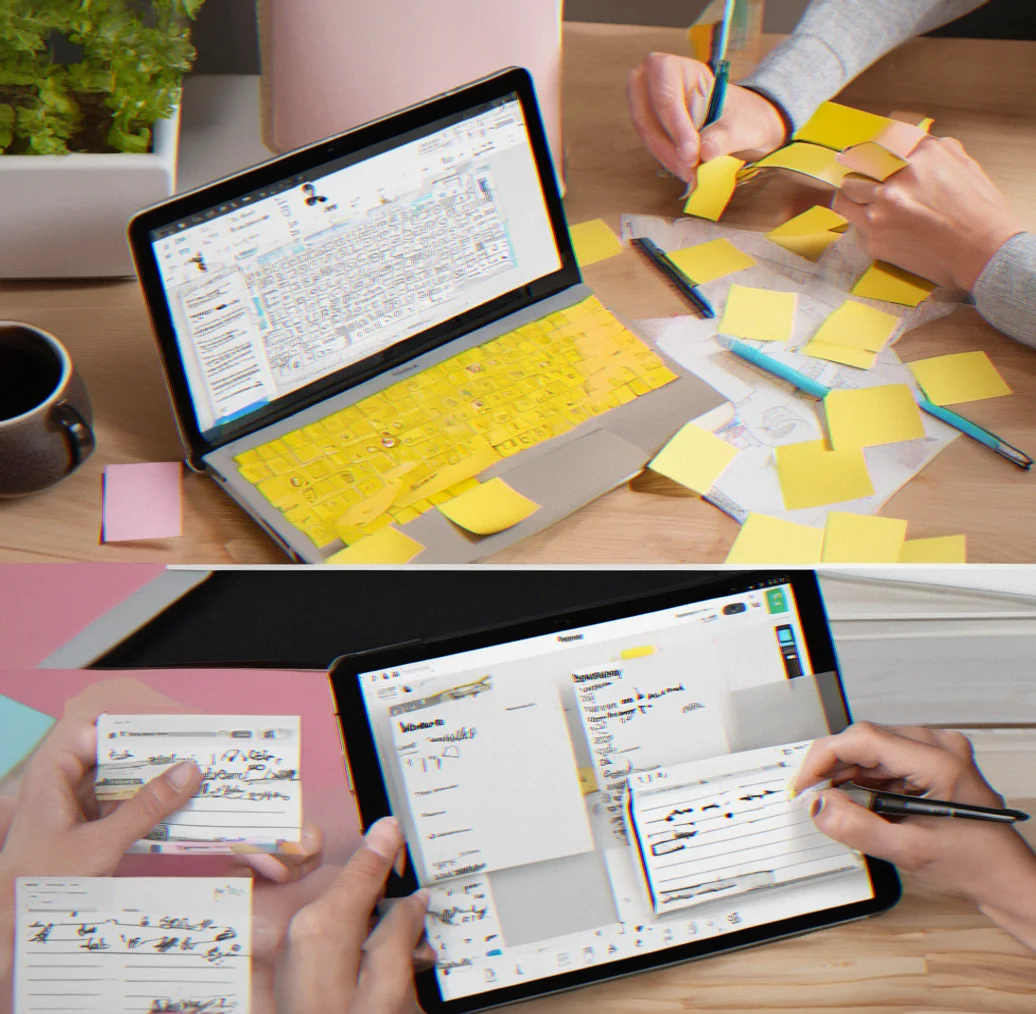
Softnote — keep all your scattered thoughts in one place without the distractions
Try it free
Try it free

What actually changes when you consolidate

Real workflows. Real problems. Real solutions.

Email threads stay searchable

Slack conversations disappear in 3 days. With Softnote, threaded conversations stick around forever. Reply inline, tag by project, and you can pull up that exact message 6 months later without digging through hundreds of unread notifications to find the one thing you actually need.

Email thread interface showing client feedback organized in a single conversation with inline replies and project tags

Ideas captured before they vanish

You get a thought at 2pm. By 3pm it's gone. Softnote's quick-capture uses markdown — no fussy formatting, just type and it's there. Link it to a project and come back to it whenever you're ready to actually use it.

Minimalist note-taking interface with markdown formatting, showing a quick idea capture flow

Templates cut repetitive setup by hours

Client kickoffs need the same stuff every time — scope, timeline, deliverables, feedback rounds. Build it once as a template and reuse it a dozen times over. Every project starts already structured, and everyone on the team knows exactly what they're supposed to fill in.

Template selection interface showing pre-built project kickoff, meeting notes and status update templates

Async collaboration without guessing

Your remote team skips the meeting. You post a decision with all the context they need. They read it whenever they're onilne and add feedback threaded right to the specific part they're reacting to. Work moves forward without waiting for everyone's calendar to line up or watching Slack get buried under noise.

Collaborative note with multiple team members adding threaded comments and context beside main content

Visual hierarchy stops information overload

Walls of text kill your ability to focus. Softnote uses spacing, heading sizes, and intentional emphasis to guide your eye. When you open a note, you instantly know where to look. Skim the outline or dig into the details. No friction.

Well-formatted note showing clear heading hierarchy, bullet points and whitespace preventing cognitive overload

One login replaces 4 apps

Email for client stuff. Slack for quick back-and-forth. Google Docs for decisions. Apple Notes for random thoughts. Jumping between all of them burns focus. One space, one habit, everything connected.

Dashboard showing notes, threaded communications, and projects organized in a single unified interface

Projects and tags organize without rigidity

Nested folders lock information away. Instead, a single note lives in multiple projects. Tag it urgent or waiting-on-client or q3-planning. Filter to whatever you need right now. The system adapts to how you actually work.

Project and tag interface showing flexible organization with notes assigned to multiple projects and filtered views

Nothing gets lost in async gaps

You ask a question Tuesday morning. Someone replies Wednesday afternoon. By Thursday you're neck-deep in a different project and that feedback gets buried. Threading keeps everything connected — when you come back to it, the whole conversation is right there and you don't have to piece it back together from scratch.

Threaded conversation showing question, delayed response and follow-up feedback all connected in chronological context

Built for how you actually work

No bloat. No learning curve. Just what matters.

Clean markdown editor showing bold, italic, and list formatting without visible UI toolbars

Markdown-based notes

Write fast without fighting the interface. Bold, italics, code blocks, lists all work without toolbar nonsense. Your notes stay readable as plain text, so you're not trapped in some proprietary format. Once you've used markdown, everything else feels broken.

Communication thread showing nested replies with proper indentation and context preservation

Threaded conversations

Client sends feedback. You reply inline. Team adds context. It all stays connected to the original message instead of scattering across separate threads or getting lost in email. One conversation. You see the whole thing.

Project and tag interface with notes filtered by multiple overlapping categories and color-coded labels

Flexible organization

A single note can live in multiple projects. Tag it urgent, waiting-on-client, q3-planning. Filter by whatever you need today. Your system bends to fit how you work, not vice versa. No rigid folder structures suffocating your information.

Template selection screen showing pre-built formats for project kickoffs, meeting notes, and client proposals

Ready-made templates

Client kickoff, meeting notes, status update. Create once, reuse forever. Templates fill in the sections you always need, cutting repetitive work from 15 minutes down to a couple. Everyone knows exactly what to fill in.

Well-formatted document showing varied heading sizes, bullet points and generous whitespace

Visual clarity by design

Good spacing. Heading hierarchy that makes sense. Whitespace that gives your eyes a break. Open a note and you instantly know where to focus. No endless blocks of the same text. Skim the outline or read the details, your call.

Collaboration view showing timestamped contributions from multiple team members across different time zones

Async-first by nature

Remote teams don't work the same hours. Post with full context. People read when they're online. Reply in threads. No waiting for real-time chat. No decisions vanishing after a few days. Everything stays. Everything connects.
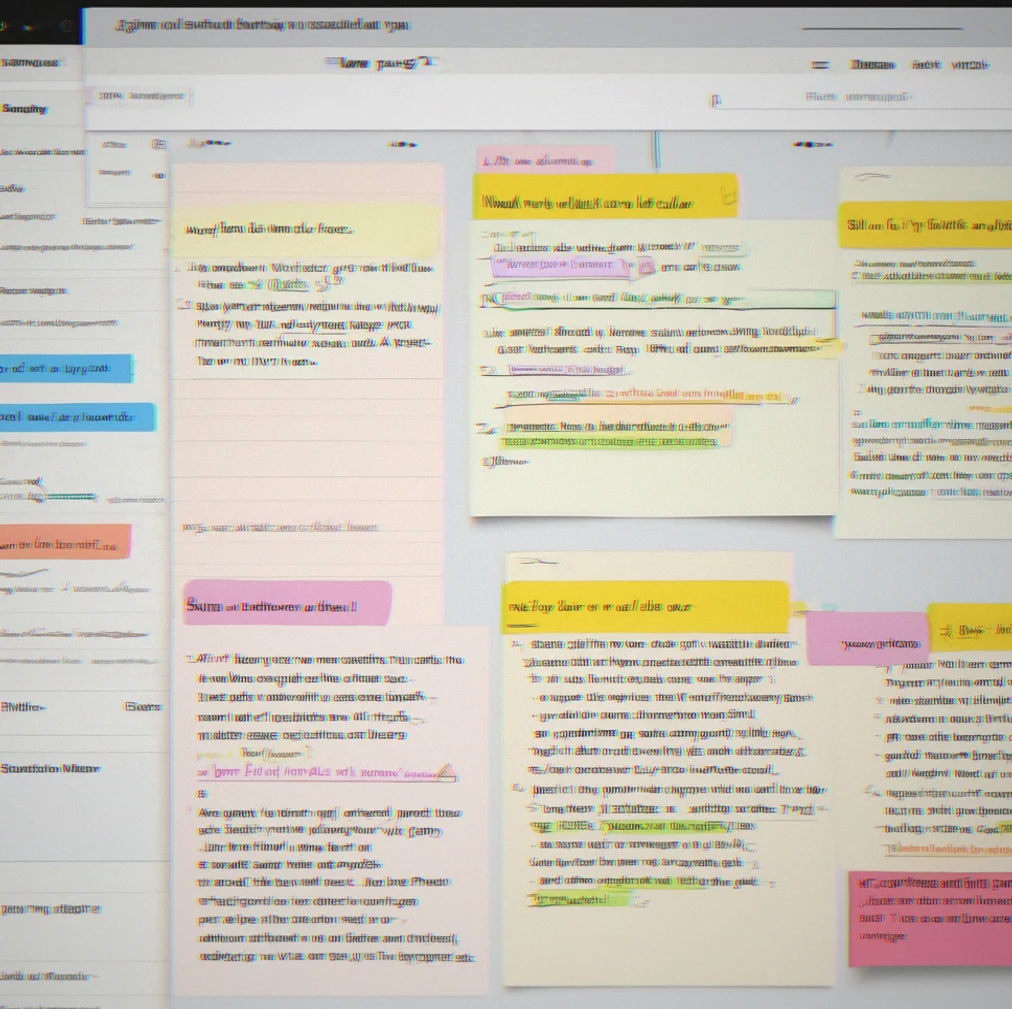
Who actually needs this

Real people. Real workflows. Real time savings.

Consultants juggling multiple clients

You've got client A's feedback scattered across email, client B's scope doc buried in Google Drive, client C's approval chain lost in Slack threads. By Friday you're switching between tools every minute and a half. Softnote brings all your client comms and project context into one searchable hub. That's roughly 2 hours every week you're not spending on context archaeology.

Consultant dashboard showing three separate client projects with threaded communications and organized notes

Remote teams across time zones

How do you handle a decision that needs input from London, New York, and Sydney at the same time? You don't. Post with context. People reply when they're awake. Threading keeps the conversation coherent even when responses are separated by half a day. Async actually works when context stays put.

Threaded discussion showing timestamped contributions from team members in different time zones

Small business owners wearing every hat

You're running the business. Managing clients. Handling admin. Sorting through email. Thinking about the future. Your attention is split in too many directions and nothing actually sticks. Having one place for client comms, project notes, and your half-baked ideas means stuff doesn't slip through the cracks.

Small business owner's dashboard showing client projects, internal notes, and task tracking in unified view

Agencies coordinating accross departments

Strategy hands off to creative. Creative hands off to development. Development needs client feedback. Where does that feedback actually live? Usually nowhere good. Put it in Softnote, tag it by project and team, and suddenly everyone knows what changed. Handoffs start making sense.

Project progression showing notes tagged by department with comments from strategy, creative, and dev teams

Freelancers managing theeir own operations

You're not just delivering work. You're invoicing, pitching new clients, learning on the job. Client A's project notes live somewhere. Client B's contract details somewhere else. Your rate tracking and pitch templates scattered across a spreadsheet and a Notes app and email folders. Consolidate everything. One space means you're not digging through four different apps just to remember what you charge.

Freelancer workspace showing client projects, contract templates, rate tracking, and pitch documents organized together

Product teams managing feedback loops

Customer requests come in via email, Slack, support tickets. The designer needs them. The engineer needs them. The PM needs them. You end up with feedback scattered across five places and properly organized in none of them. Thread customer requests with design mockups. Attach engineer notes. One decision lives in one place. You ship faster.

Product team workspace showing customer feedback threaded with design notes and engineering implementation updates

Anyone drowning in email

Your inbox has over 300 unread messages. Half of them are threads where you're CC'd for no reason. A few actually matter. You miss important stuff because it gets buried. Finding anything requires digging through email. Start a project in Softnote. Forward the relevant threads. Tag them. Stop drowning.

Email-to-Softnote migration showing cluttered inbox transforming into organized project with threaded communications

When your work is everywhere, focus is nowhere

Your team juggling email, Slack, docs, and three other tools. Sound familiar?

Icon showing overlapping browser tabs and notification badges symbolizing constant app switching

Every app switch costs you way more than you think

You're writing in email, then you jump to Slack, then a Google Doc, then back to email again. Each one of those switches? It takes your brain somewherre between 10 and 25 minutes to get back to full focus, even if you only spent a couple minutes in each place. By the time Friday rolls around, you've basically lost an entire workday just moving between apps.

Icon showing fading documents and messages disappearing into darkness

Important stuff just disappears

Slack's free plan deletes messages after three months. Email threads get lost in archives. People make decisions in chat and nobody writes them down. Then half a year later you're digging around looking for context that definitely existed but now it's just gone.

Icon showing fragmented message bubbles from different platforms floating disconnected

Client input gets scattered across platforms

A client sends something important via email. You respond in Slack. They send a clarification as a voice note. Somehow the actual requirement is sitting in four different places, and nobody's sure which one's the real version. Then projects launch based on the wrong assumptions because the brief was fragmented across channels instead of beiing in one place where everyone could see it.

Icon showing a message thread with overlapping question marks and disconnected replies

Async work turns into a guessing game

Your team's spread across different time zones. You post something to Slack and it drowns in dozens of other messages. Someone misses it. A few days later they ask something that was already answered. Nobody can remember where the answer went. So everyone just ends up re-explaining the same stuff over and over.

Icon showing a head silhouette filled with tangled threads and scattered notes

You become your own search engine

You know you made a decision about something but you can't quite pin down when or where. Someone definitely said something important. You think it might've been in Slack? Or maybe email? Or was it three different apps? Next thing you know you've spent 40 minutes hunting for something that should've taken 2 minutes to find. Your brain's working overtime just trying to keep track of everything.

Visual showing how notes scattered across multiple apps get pulled together into one Softnote workspace

How consolidation actually works

Moving from scattered notes to one central place isn't complicated. You're just cutting out the friction.

Think about what happens now. An idea pops into your head around mid-afternoon, so you grab Apple Notes. Then client feedback shows up in your inbox, but you're already on Slack so you screenshot it there instead. Someone needs a decision during standup, you scribble it on whatever's nearest. By the time the day ends, one project is spread across four different apps and tomorrow you'll be digging through everything trying to piece together what actually happened. Softnote changes that by being the one place you go. Just one app. One habit. When you capture an idea, it's markdown—no fussing with formatting, you just write and it sticks. Client feedback arrives tied to the actual project thread. A decision gets logged with all the context attached. Nothing fragments. Because everything's threaded, when someone asks about that call three months down the road, you don't have to rehash the whole thing—they can scroll through the entire conversation from the original question all the way to when you decided.

The real payoff shows up in the small stuff you stop doing. You quit emailing yourrself reminders. You're not re-reading the same email multiple times just hunting for where the actual requirement is written. Those meetings where someone says 'didn't we settle this already?' don't happen anymore because the decision is actually findable instead of lost in some Slack thread from last quarter.

One place to capture everything

Ideas, feedback, decisions—they all go in one spot. No more archaeological digs thriugh your notes.

Threaded conversations keep context intact

Client makes a point. You respond. They add detail. The whole thread stays connected to where it started.

Actually stays findable over time

Unlike Slack or email, your stuff remains organized and searchable. That decision from a year and a half ago? You can still find it.

Layout helps you read at your own speed

Good heading structure, breathing room, and deliberate formatting mean you can scan fast when you need to or dig deeper when something matters.

Get practical tips for managing information overload.

We send weekly notes about async collaboration, reducing cognitive load, and keeping client comms organized. Real advice, no marketing fluff. Unsubscribe whenever you want.

We don't spam. Your email stays private.